Sharing one Microsoft 365 sign-in between several staff members may seem like a simple way to give everyone access, but it quickly becomes difficult to know who is using the account, who still knows the password and whose phone receives the security prompts.
A shared login also means people are working through the same identity, mailbox and personal file space, even when they have different roles and responsibilities. When someone leaves, changing the password can disrupt everyone else, while leaving it unchanged may allow a former staff member to retain access. It also becomes much harder to investigate mistakes, suspicious activity or changes because several people appear to Microsoft 365 as the same user.
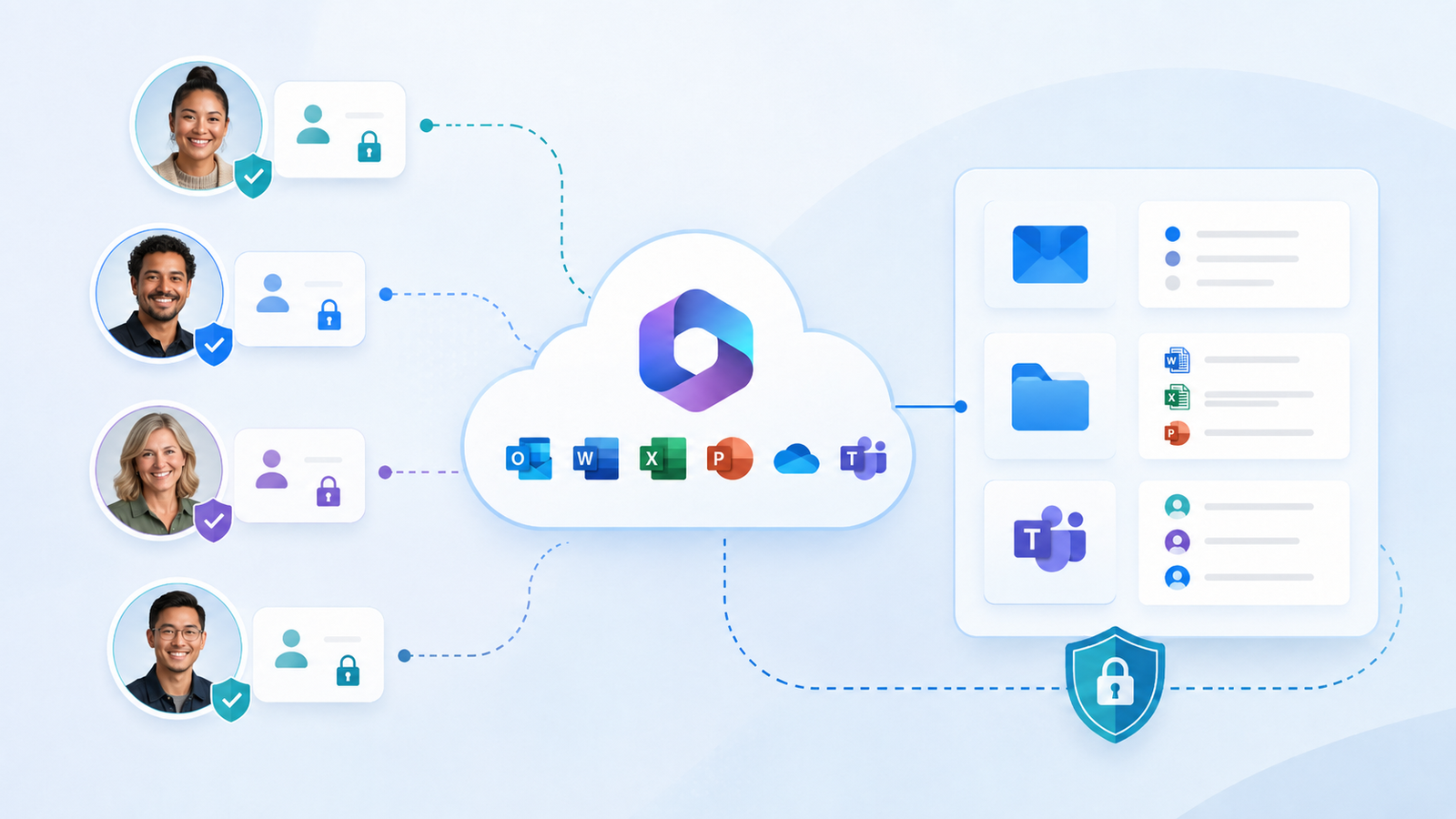
Every staff member who needs to use Microsoft 365 should normally have their own named account, while shared email addresses, files and workspaces should be provided separately. This gives each person an individual sign-in, allows security protections such as multifactor authentication to be applied properly, and lets the business decide what each user may access. Shared business functions such as accounts@, info@, Teams and SharePoint areas can then remain available to the right people without requiring them to share passwords.
This article explains why individual accounts matter, how shared business access should work and what should happen when staff join, change roles or leave.
Why should each person have their own Microsoft 365 account?
A Microsoft 365 account should normally identify one particular person, giving the business a clear link between the user, their sign-in and the work they perform.
Each person can have their own company email, calendar, OneDrive working space and access to the applications required for their role. Individual accounts also allow the business to protect each sign-in with multifactor authentication and review sign-in activity when something unusual occurs; Microsoft Entra records user sign-ins so administrators can investigate access to organisational systems. When staff use their own accounts, permissions can also be adjusted without changing how everyone else accesses Microsoft 365.
The basic principle is simple: one person should have one identifiable account, with access suited to the work they actually do.
What about shared email addresses, files and other business functions?
A shared business function should usually be provided through a shared resource, rather than by giving several people the password to one user account.
For example, an address such as accounts@mycompany.co.nz can be created as a shared mailbox and made available to authorised staff through their own Outlook accounts. Members can read incoming messages and send replies from the shared address, while continuing to sign in as themselves; Microsoft also advises that the account behind a shared mailbox should not be used for direct sign-in. In the same way, company files can be stored in shared SharePoint areas and made available through Teams, allowing the information to belong to the business rather than remaining tied to one employee.
A useful rule is: individual accounts represent people; shared mailboxes, Teams and file areas represent the work of the business.
How should accounts be managed when staff join, change roles or leave?
Individual accounts make staff changes easier because the account identifies the person, while their permissions can be adjusted as their responsibilities change.
A new employee should receive a new account rather than inheriting or renaming the account of the person who previously held the role. Access to shared mailboxes, Teams and company files can then be granted according to the new employee’s responsibilities and changed later if their role develops. When someone leaves, the business can block their sign-in, preserve or transfer the email and OneDrive information it still needs, remove access to shared resources and decide what should happen to the licence; Microsoft’s offboarding guidance specifically recommends considering the former employee’s Outlook and OneDrive content before deleting the account.
The aim is a repeatable process that gives new staff the access they need, keeps company information under business control and removes access promptly when employment ends.
Clear accounts, shared business access
Microsoft 365 works best when each user has a clear identity and shared business functions remain owned by the organisation. EMbarks can review existing accounts, replace unsuitable shared logins with individual accounts and properly managed shared resources, and help establish a clear process for staff joining or leaving. The result is safer access, clearer accountability and fewer problems when people or responsibilities change.